
EZ Pose: information for press, blogs and creators
Everything you need to write about EZ Pose: boilerplate, facts, logo and screenshots. Free to use, no permission needed.
Quick facts
- Name
- EZ Pose
- Tagline
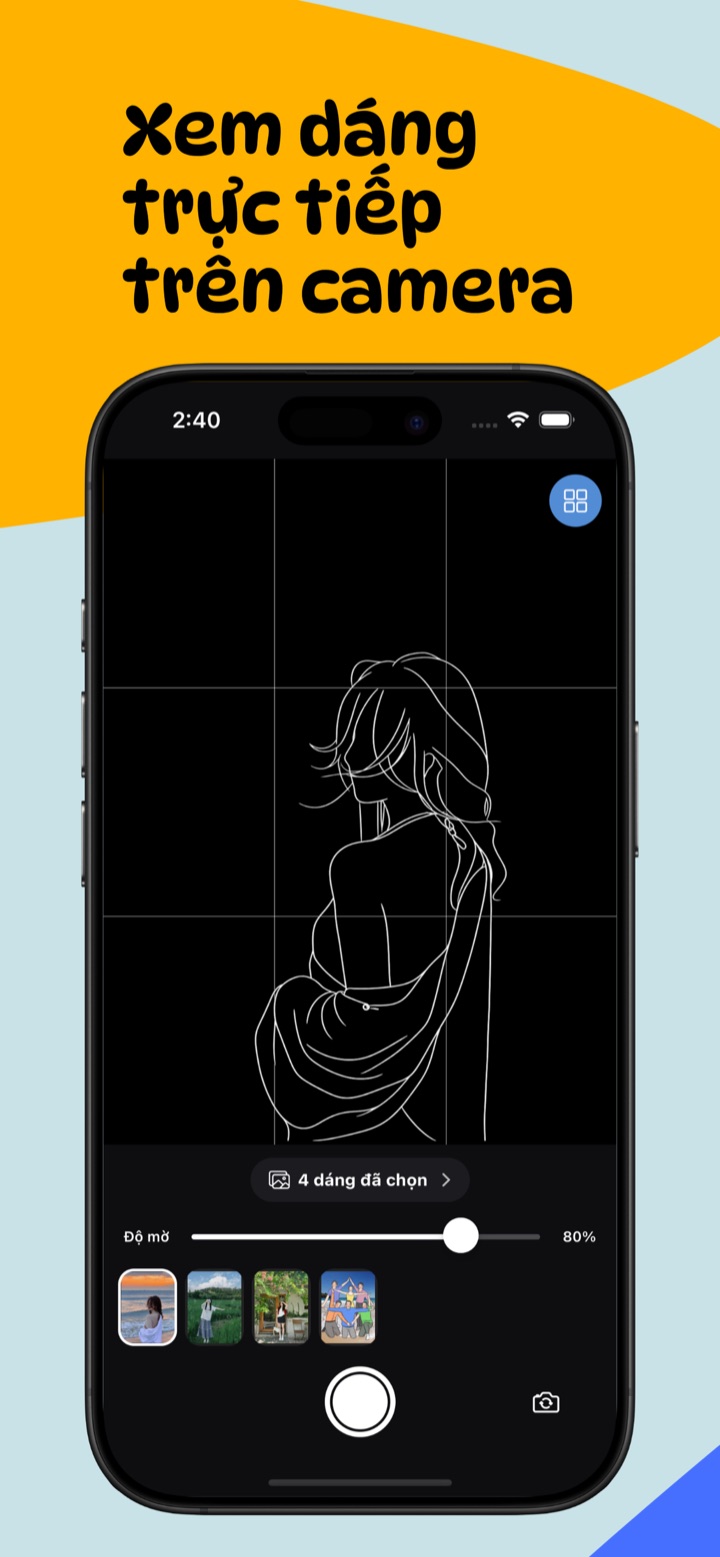
- Pose outlines right on your camera
- Category
- Photo pose guide camera app
- Platforms
- iOS (App Store), Android (Google Play)
- Price
- Free to download, optional Pro plan to remove ads
- Poses
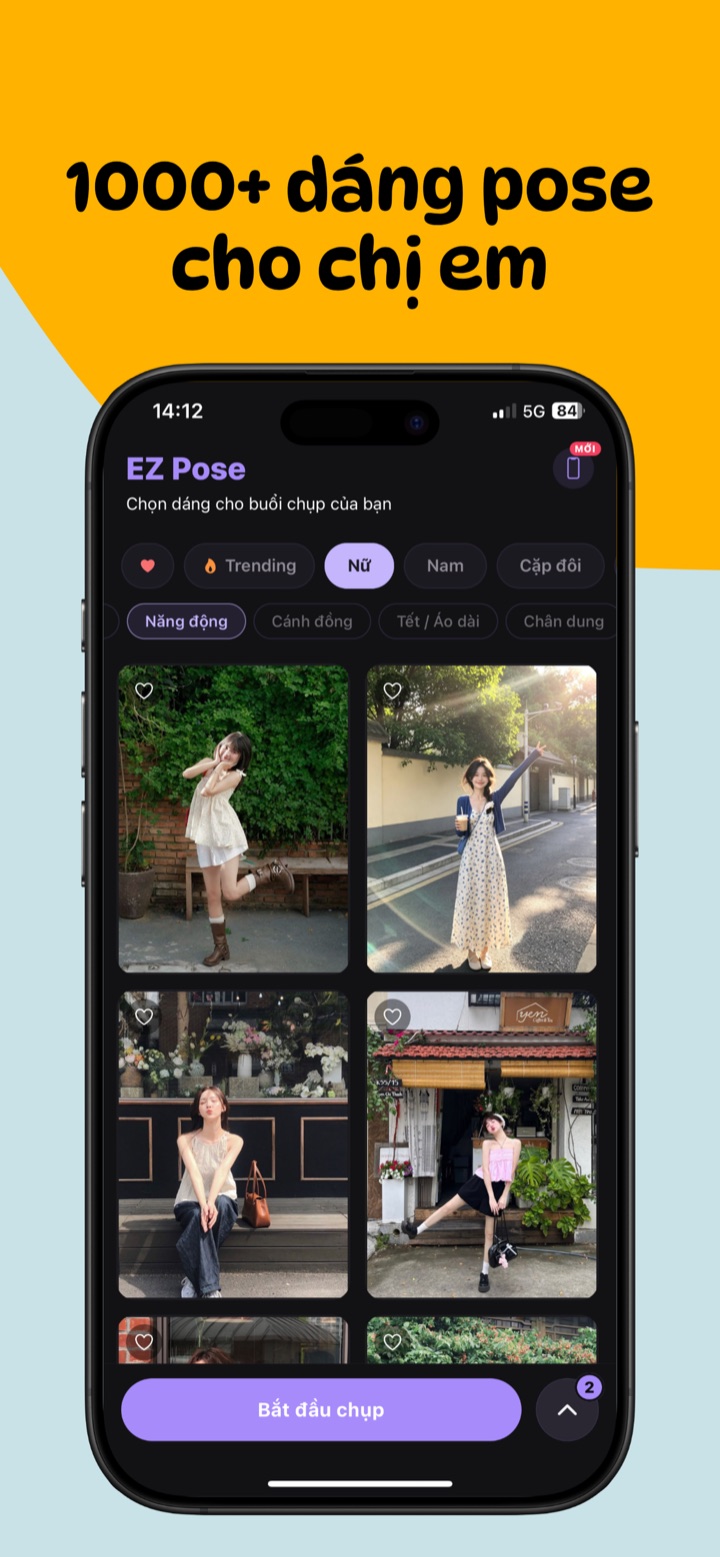
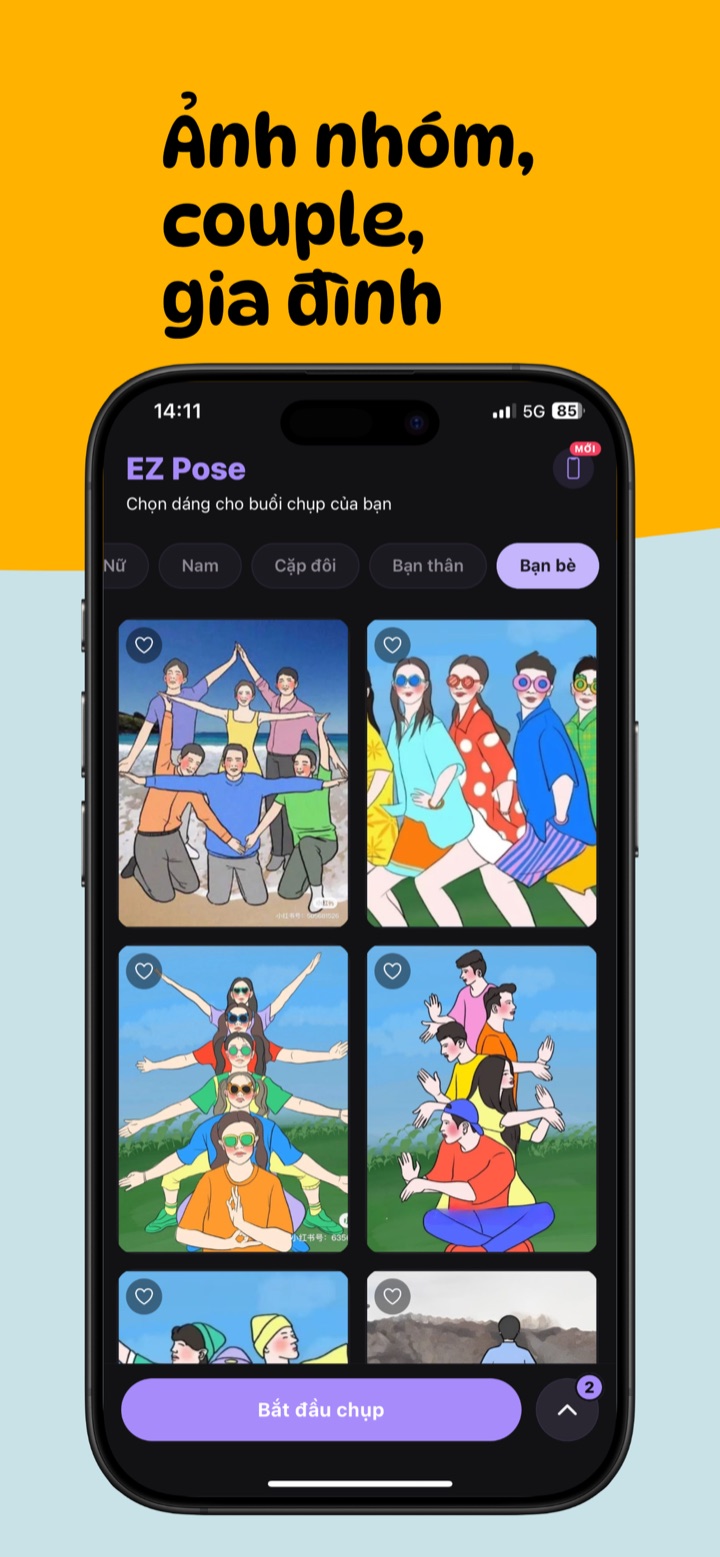
- 2,100+ poses for women, men, couples, besties, groups and Photobooth
- Unique feature
- Mirror Mode: pair two phones with a 6-digit code, the second phone previews and controls the camera
- Languages
- Vietnamese, English
- Developer
- Micro Solutions (Vietnam)
Boilerplate
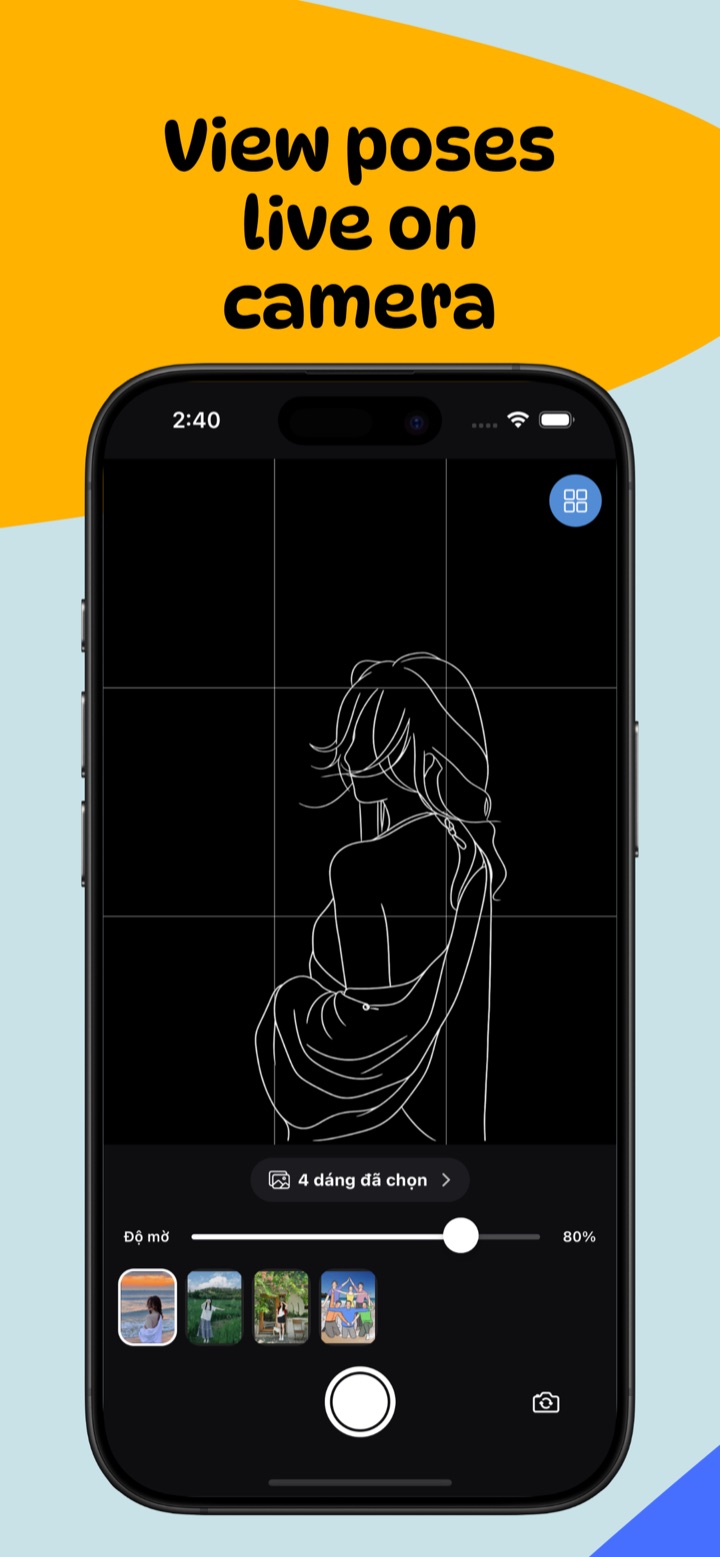
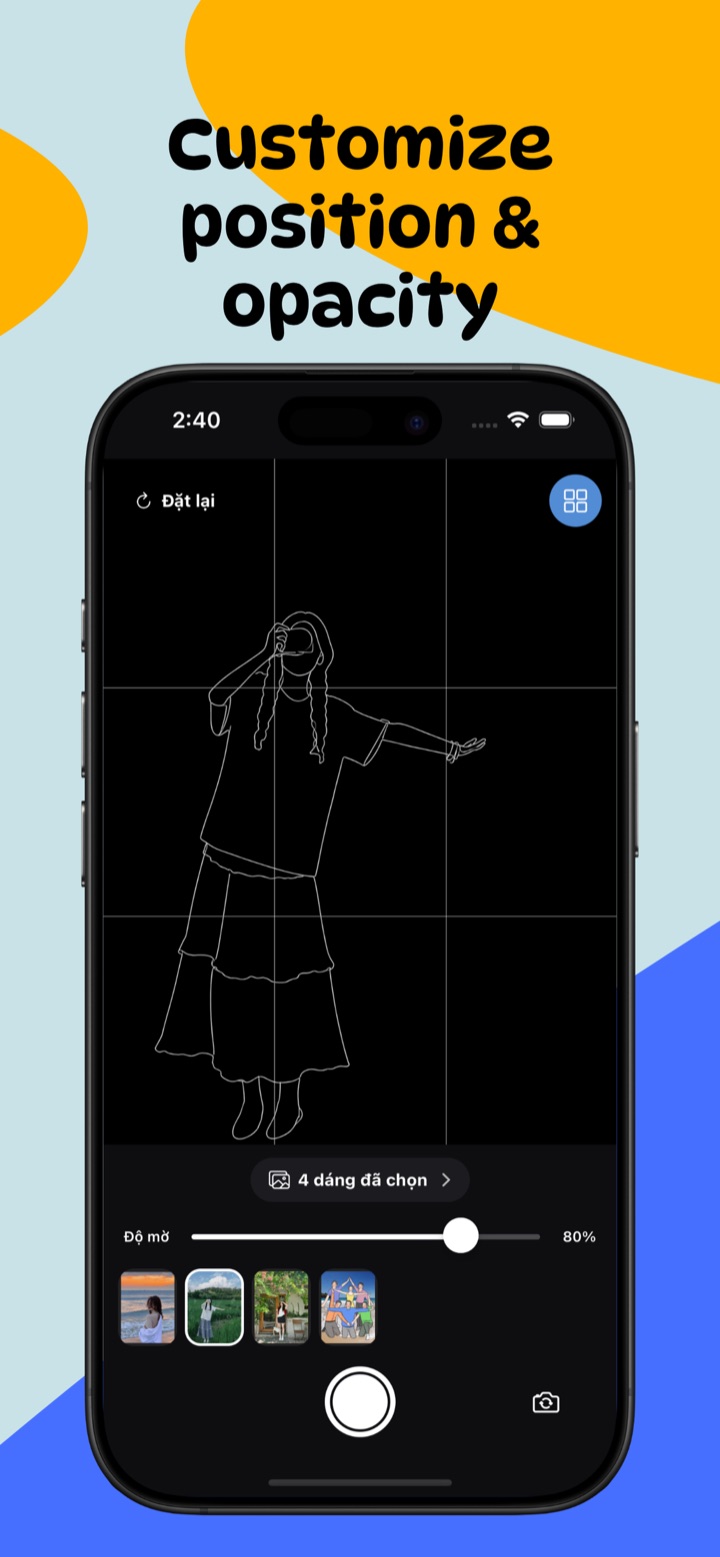
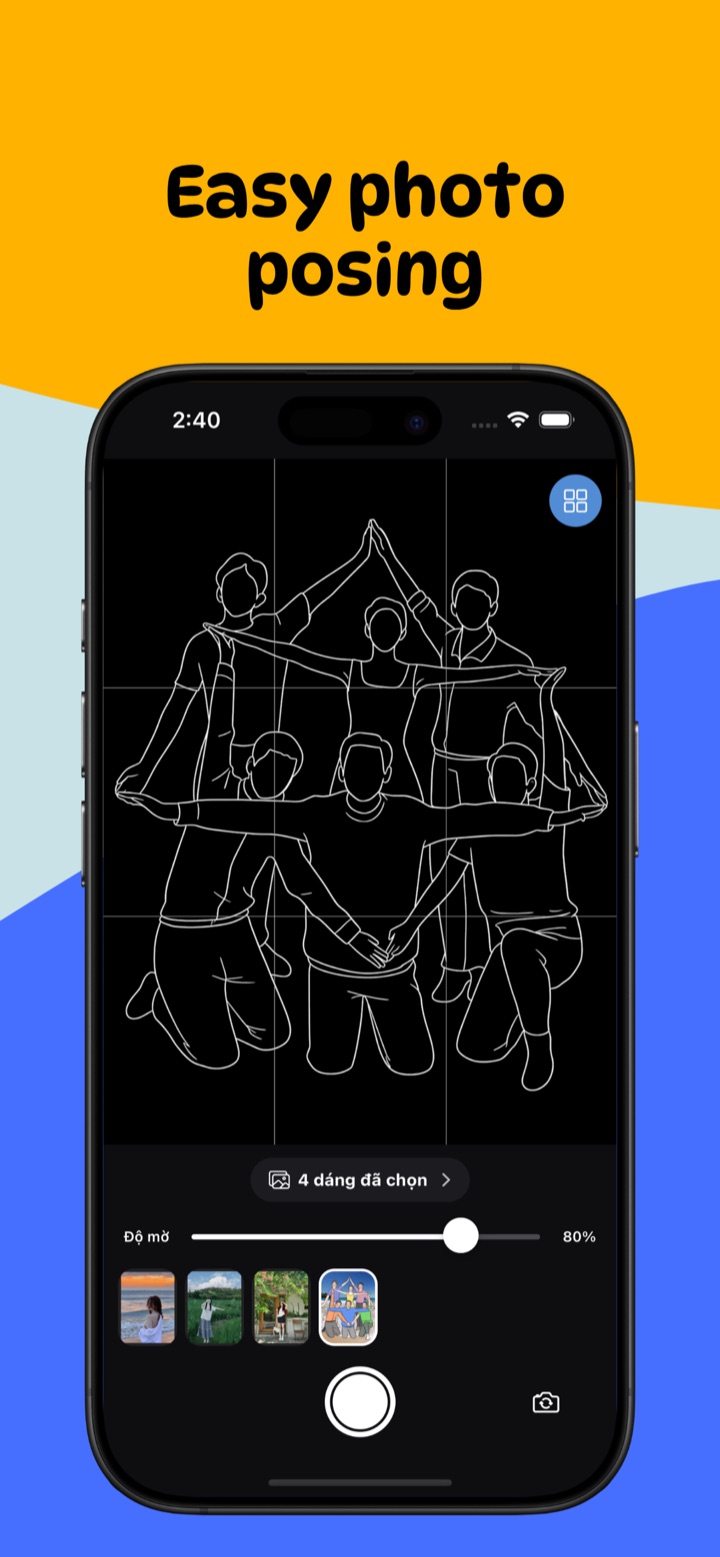
EZ Pose is a free iOS and Android camera app that overlays line-art pose guides directly on the camera screen, so anyone can pose and take great photos with zero experience. It ships with 2,100+ poses organized by location and style, plus Mirror Mode, which pairs two phones so one is the camera and the other previews and controls the shot.
EZ Pose fixes a familiar problem: not knowing how to pose, and the person holding the phone not knowing how to frame. Instead of glancing at a reference photo and guessing, the user picks a pose in the app and its line-art outline appears on the live camera; the photographer just lines the subject up with it and shoots. The library holds 2,100+ poses grouped by beach, café, flower garden, park, street, áo dài, couples, besties and groups, plus a Photobooth set. Mirror Mode pairs two phones with a 6-digit code so the model sees the frame and triggers the shutter remotely. The app is free with an optional Pro plan to remove ads, and is developed by Micro Solutions in Vietnam.
Logo and screenshots
Download the files below directly. Screenshots come in English and Vietnamese.
 App icon (PNG)
Vietnamese screenshots
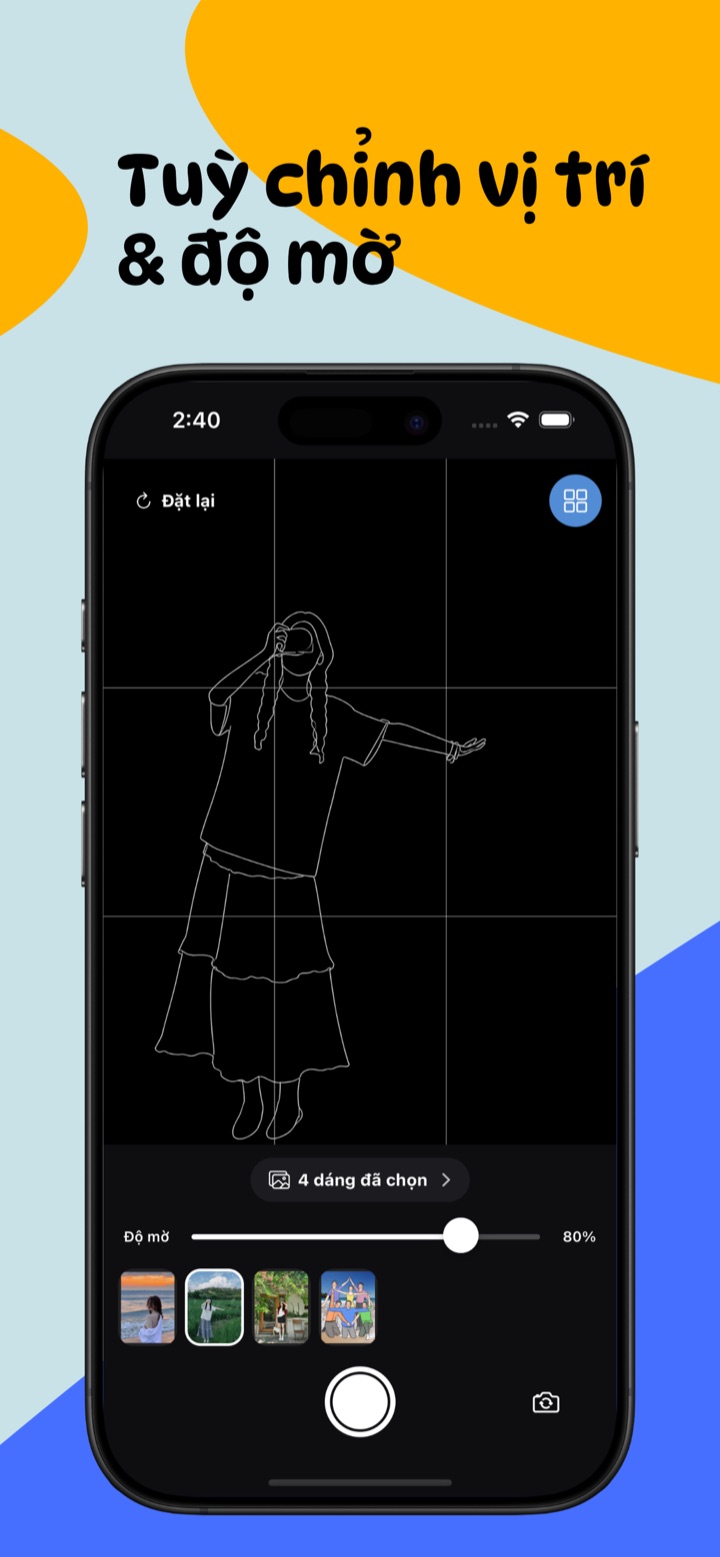
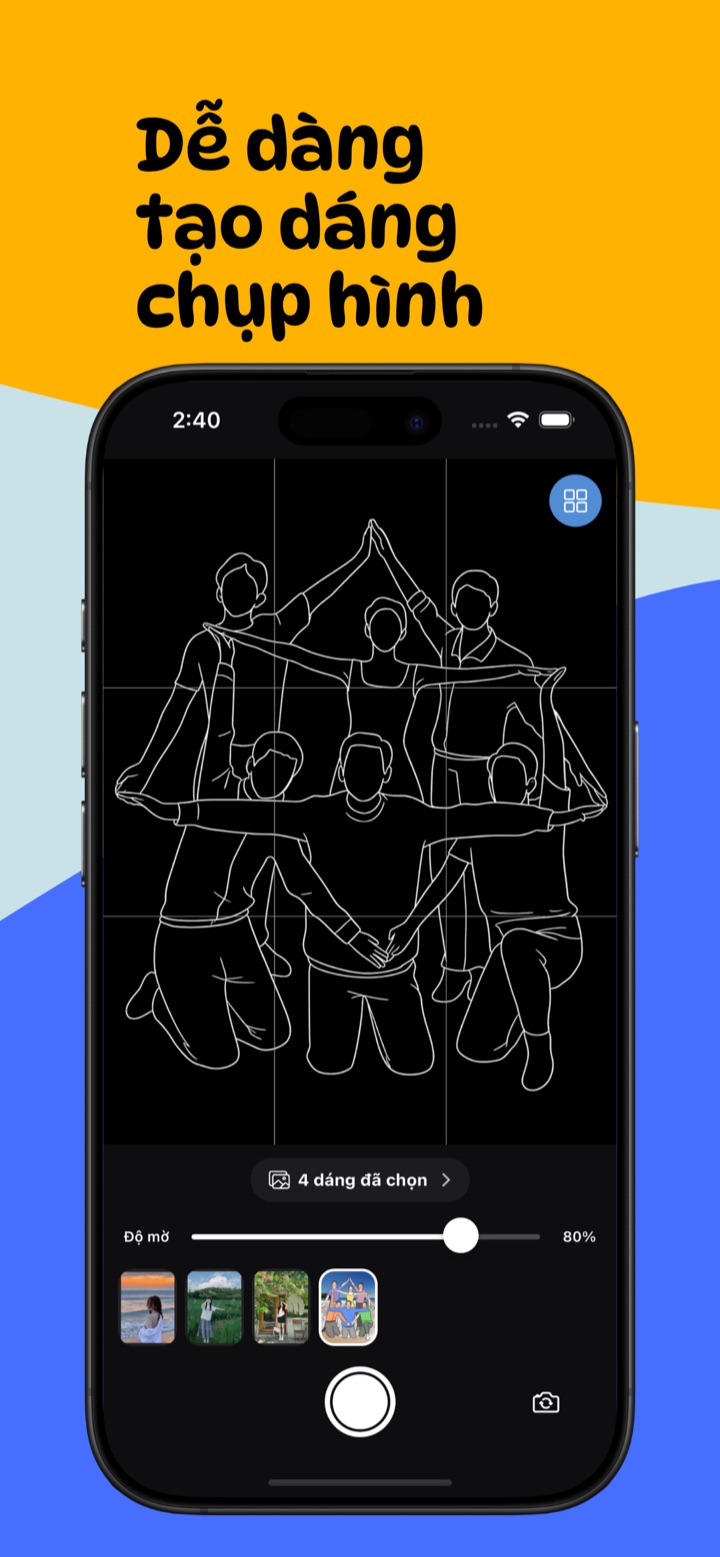
English screenshots
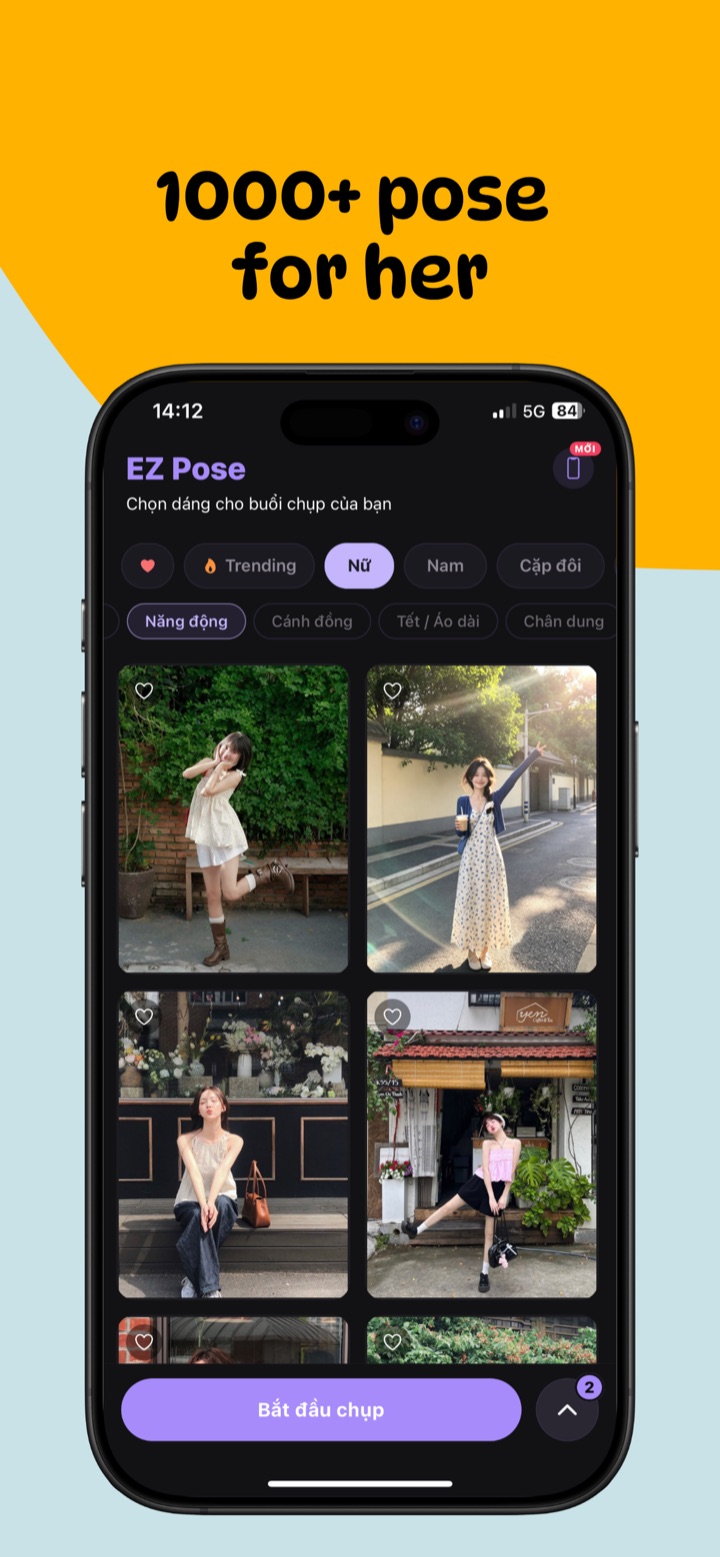
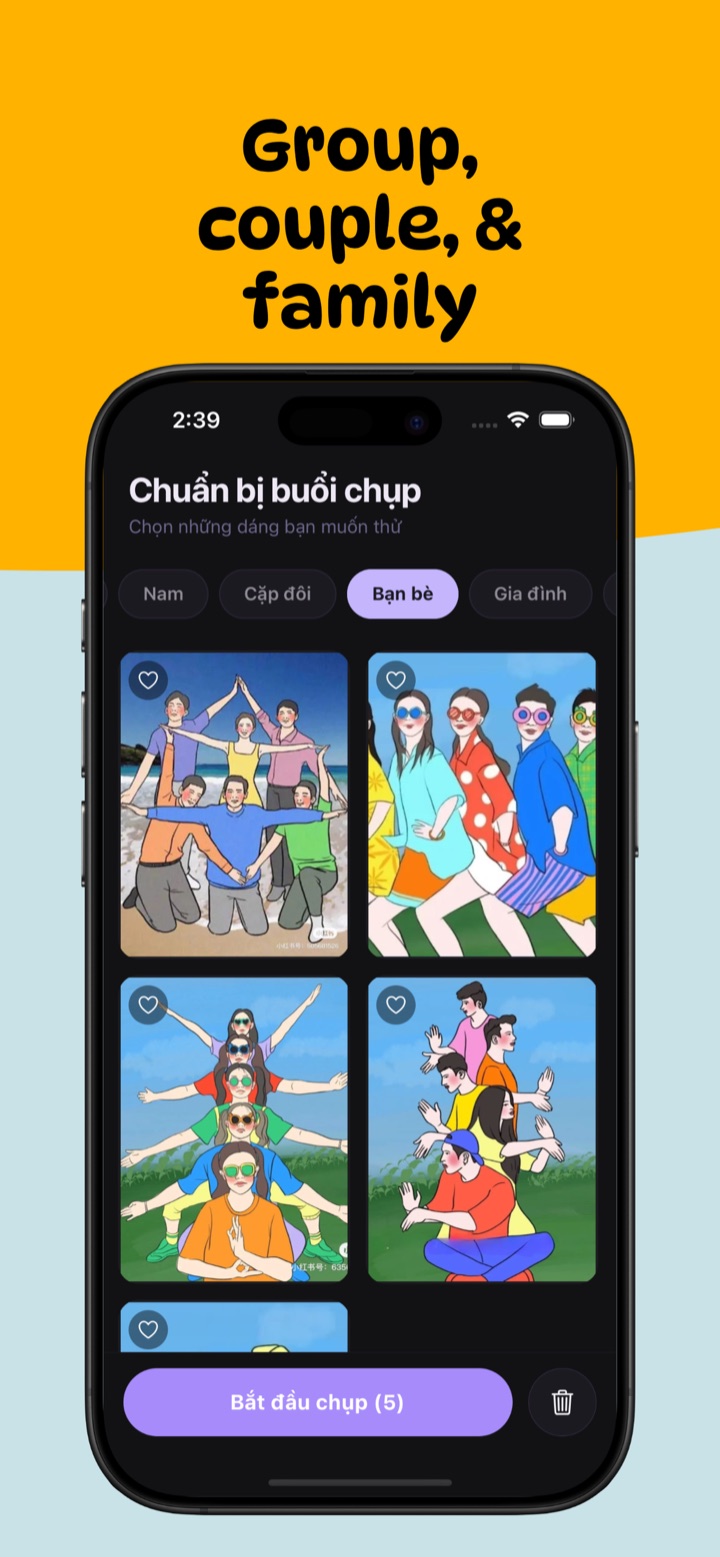
Usage guidelines ✓
- Write the name as "EZ Pose" (with a space, capital E and Z).
- Use the icon and screenshots as provided; cropping or placing them on a background is fine.
- Link downloads to this page or to the store links below.
Usage guidelines ✕
- Do not recolor, distort or add effects to the icon.
- Do not imply EZ Pose endorses or sponsors your content without an agreement.
- Do not use the EZ Pose name for another app or product.
Links
Contact
Interviews, reviews, creator collaborations or extra material: reach us through the Micro Solutions contact page.
Contact page