
Mirror Mode: turn a second phone into a live preview and remote
Two of you, one shooting and one posing, and the one posing still sees exactly where they are in the frame and takes the shot. That is what Mirror Mode in EZ Pose does, with no extra gear.
Mirror Mode pairs two phones with a 6-digit code. The first phone is the camera; the second shows exactly what the camera sees and controls it remotely: pick a pose, zoom, focus and press the shutter.
How it works in 4 steps
- 01
Open Mirror Mode on both phones
Both phones need EZ Pose, free on iOS and Android. Open Mirror Mode from the pose picker.
- 02
The camera phone creates a code
Choose the camera role and the app shows a 6-digit code. Put this phone on a tripod, a ledge, or hand it to the photographer.
- 03
The other phone enters the code
Choose the controller role and type the code. The phones pair right away and the camera frame appears on the phone in your hand.
- 04
Pick a pose, line up and shoot
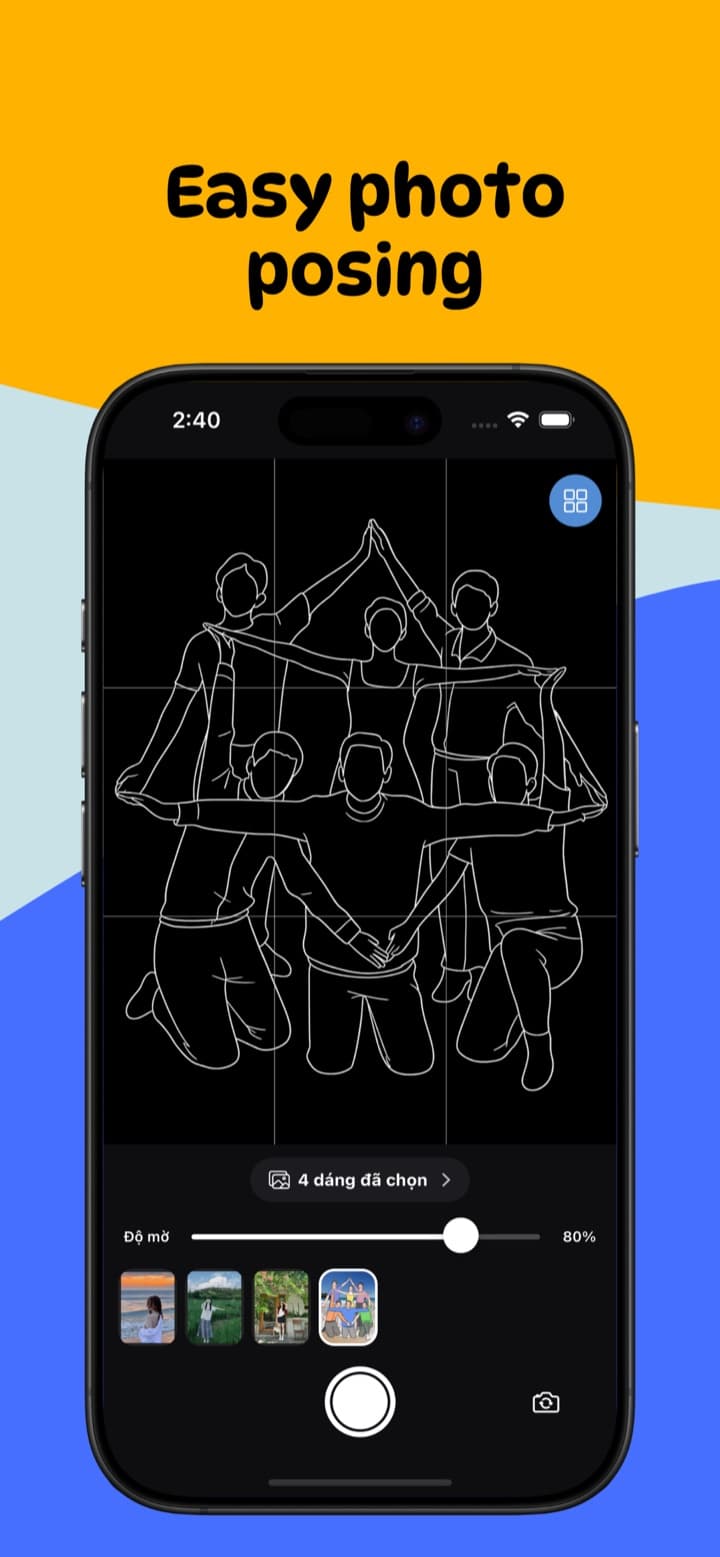
Pick a pose so the line-art outline appears, zoom, focus and press the shutter from the handheld phone. Photos are saved on the camera phone.
When Mirror Mode shines
Couples traveling
The person being photographed sees the frame and fixes their own pose; the person holding the phone just keeps it steady. No more retakes.
Solo shoots with a tripod
Set one phone on a tripod, walk into the frame with the other, check your position and then shoot.
Groups of friends
One person with the controller stands in the group, sees everyone on screen and shoots when all are ready.
Shooting for a partner
The person being photographed sees the exact frame and pose, so nobody gets blamed for a bad shot. You both look at the same frame.
Mirror Mode questions
Does Mirror Mode need internet?
Both phones need an internet connection to pair with the code. Once paired, the video is streamed directly between the two phones for the session.
Can an iPhone pair with an Android phone?
Yes. Mirror Mode is available on iOS and Android, and two phones on different systems pair with the same 6-digit code.
Does Mirror Mode cost anything?
No. Mirror Mode is a free feature of EZ Pose on both platforms.
Where are Mirror Mode photos saved?
Photos are saved to the photo library of the camera phone, the same as a normal shot in the app.
Try Mirror Mode with whoever you travel with
Both of you install EZ Pose for free, pair with a 6-digit code and shoot.